<-
Return back home
Home / VFA

VFA Mobile App
Context
Designing a museum app worth the download
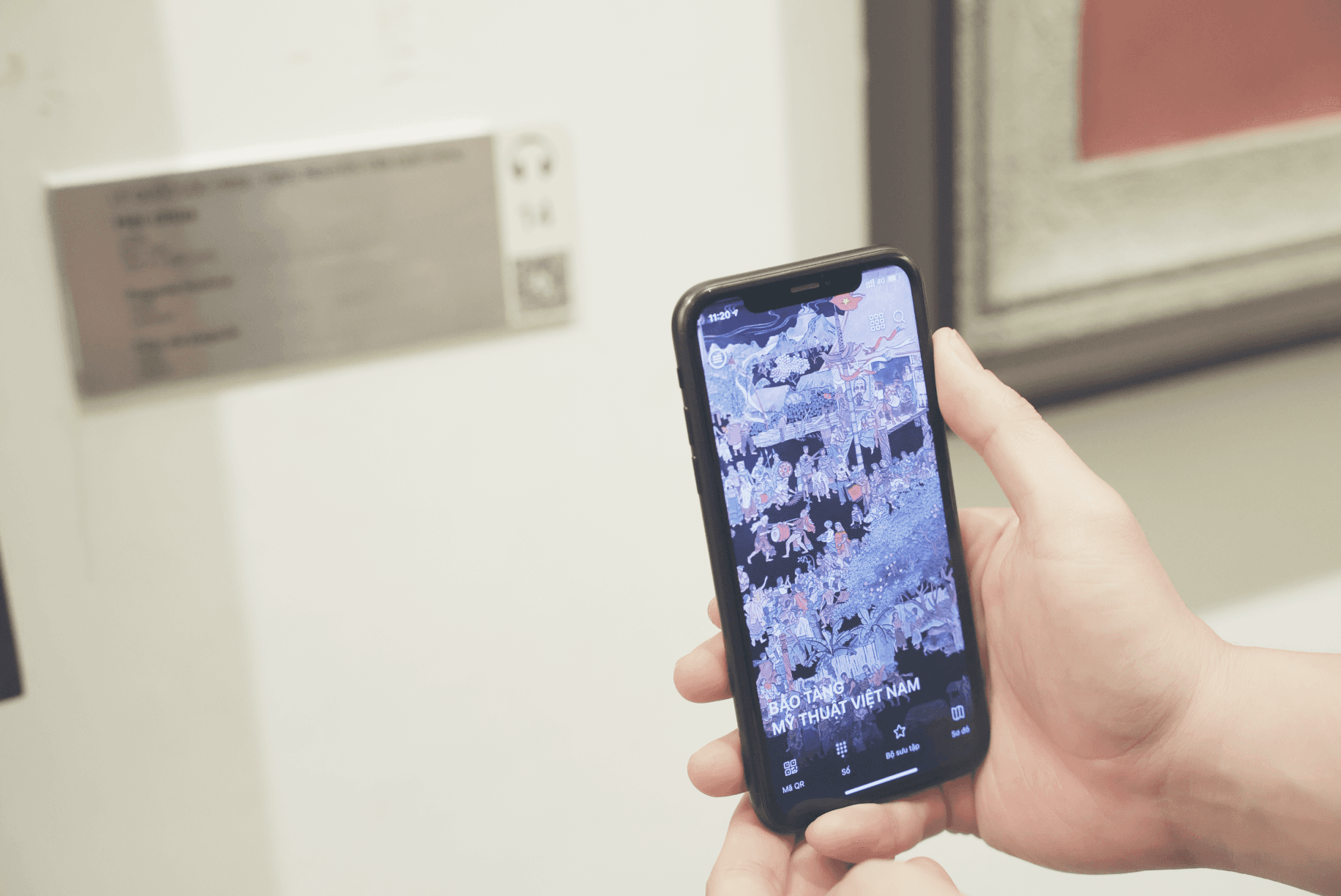
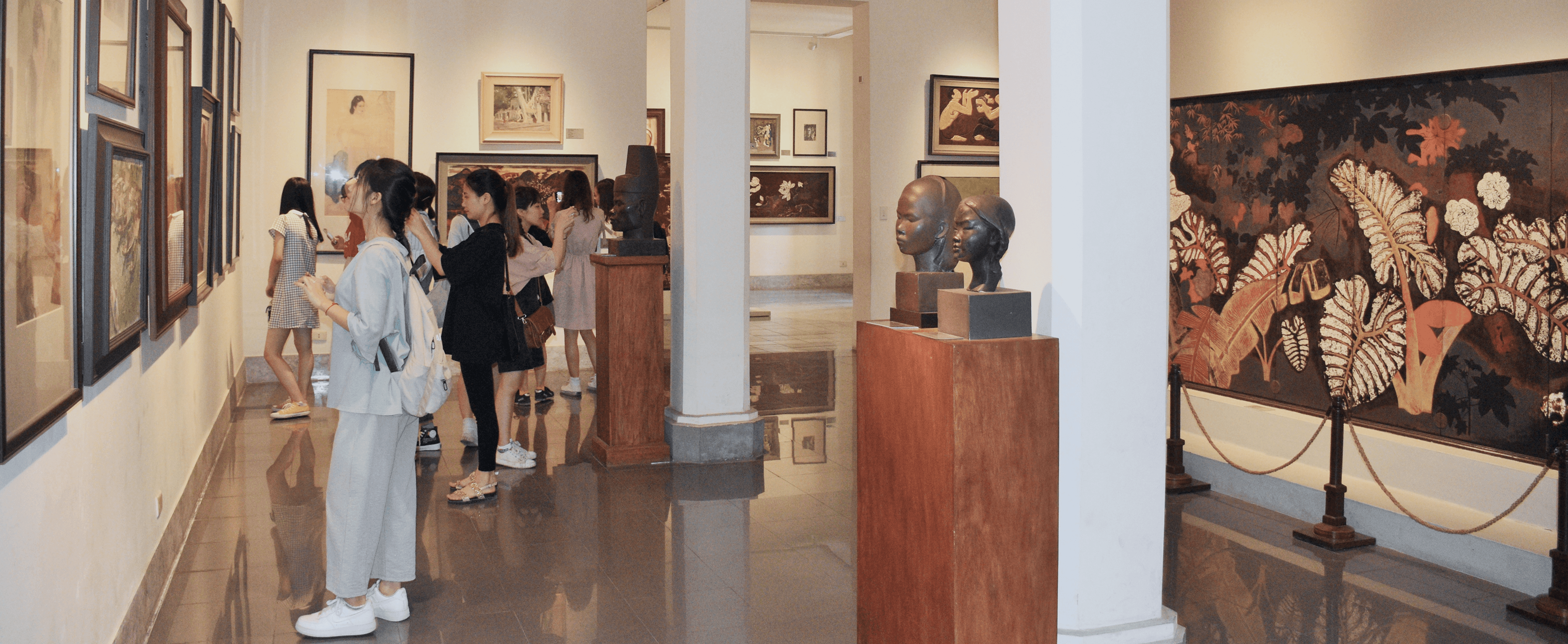
The Vietnamese Fine Arts Museum houses Vietnam's most significant traditional art collection. Its existing app had limited functionality, and international tourists — 62% of foot traffic — faced three compounding barriers: no English interpretation, no wayfinding, and no way to understand what they were looking at without a guide.
I led research, information architecture, and the end-to-end experience across pre-visit, during-visit, and AR lookup.
Problem
Most museum apps are built like information databases, not visitor companions
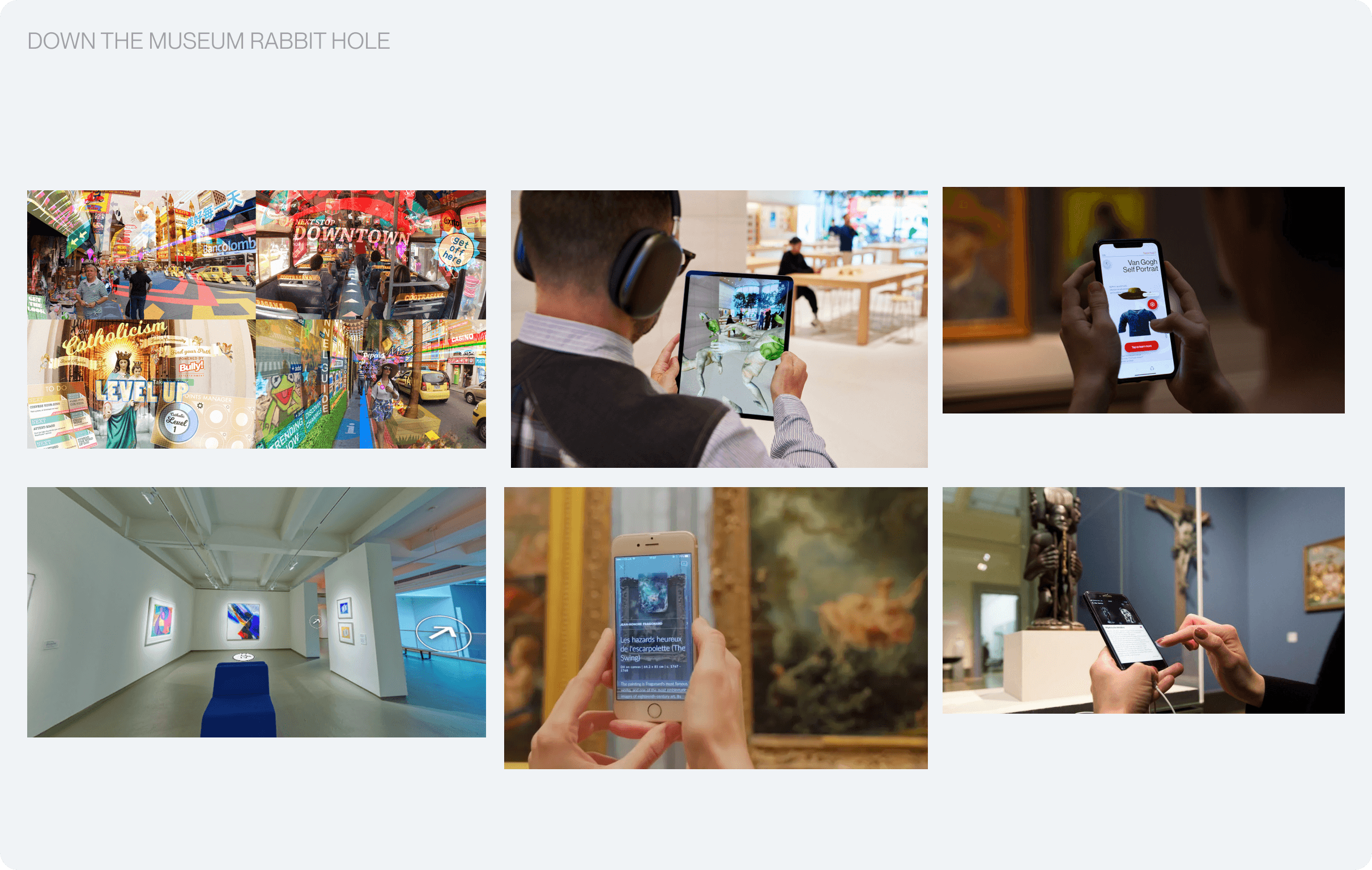
The existing market falls into three camps, and each solves part of the visit while ignoring the rest:
Information First Getty, MoMA, Bloomberg Connects — content databases with audio guides. Strong on information, weak on wayfinding and discovery. Require account creation.
Navigation-First Apps Indoor Google Maps, museum floor plan PDFs — solve wayfinding but offer zero artwork context. No audio, no scanning, no tickets.
AR-First Apps Smartify, Artivive — artwork recognition and AR overlays. Strong on the "wow" moment but no navigation, no ticketing, no sustained experience.
Interviews
Understanding what matters most to visitors
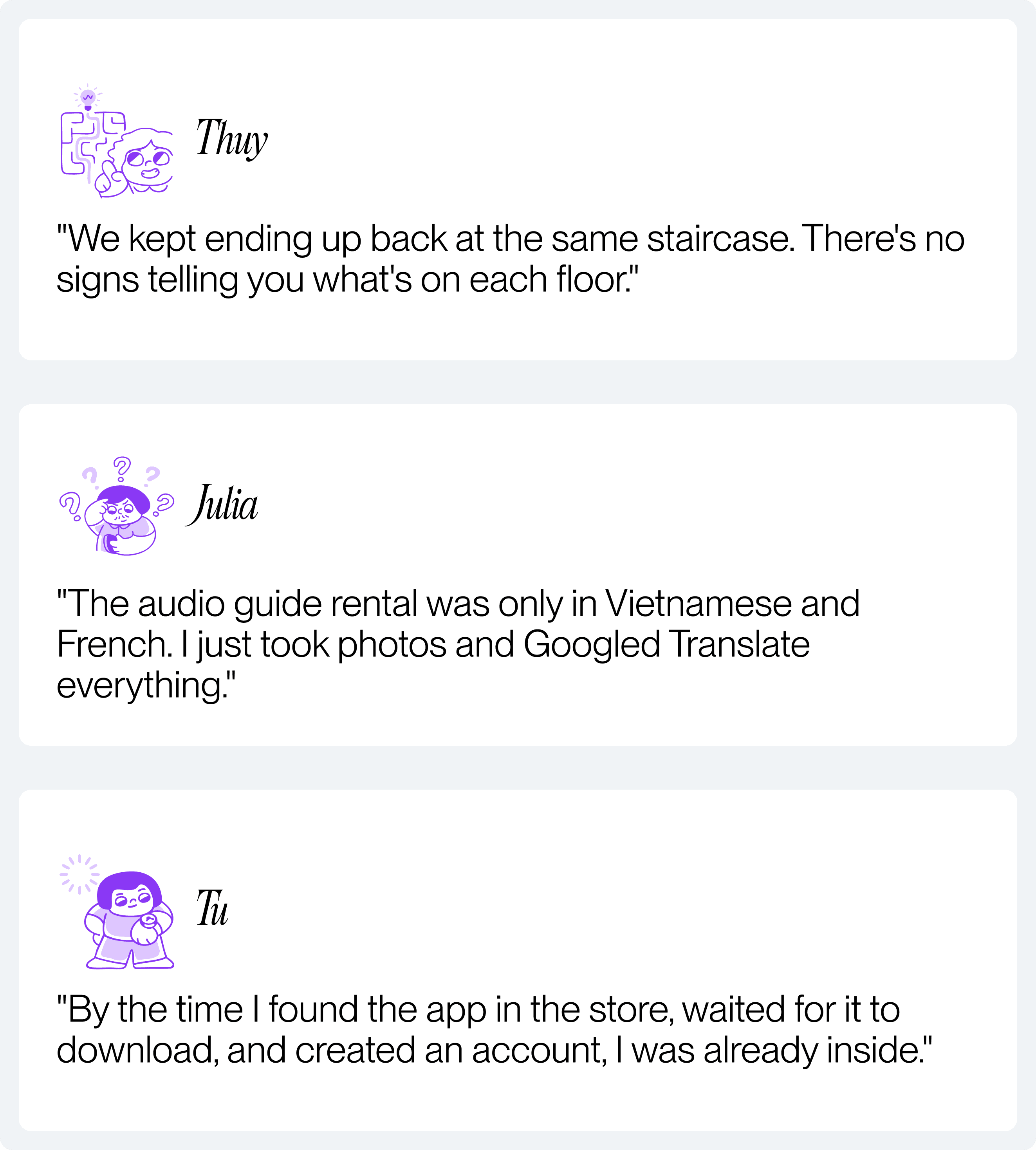
I interviewed 30+ visitors — students, families, tourists — to understand how people experience VFA today and where it falls apart. The same pain points ranked highest across every study:
#1 Getting lost. #2 No artwork context. #3 Feeling overwhelmed. #5 Language barriers — critical for international visitors.
What if visiting a museum felt less like wandering alone and more like having a friend who speaks your language, knows every painting, and never lets you get lost?
Reframing
The question wasn't how to build a better museum app. It was how to build something a visitor would actually open
Value Proposition
Making the app worth opening before making it worth downloading
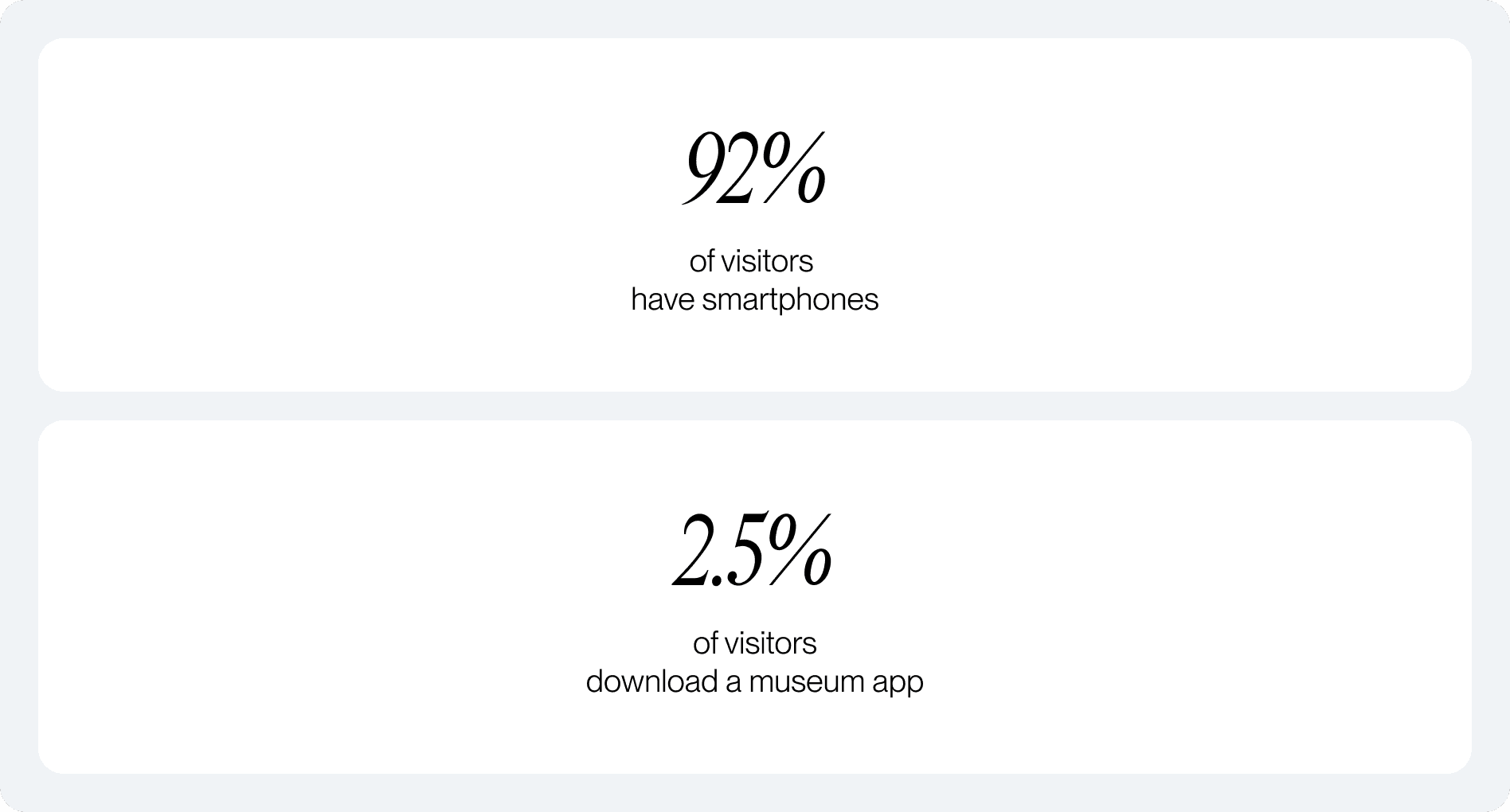
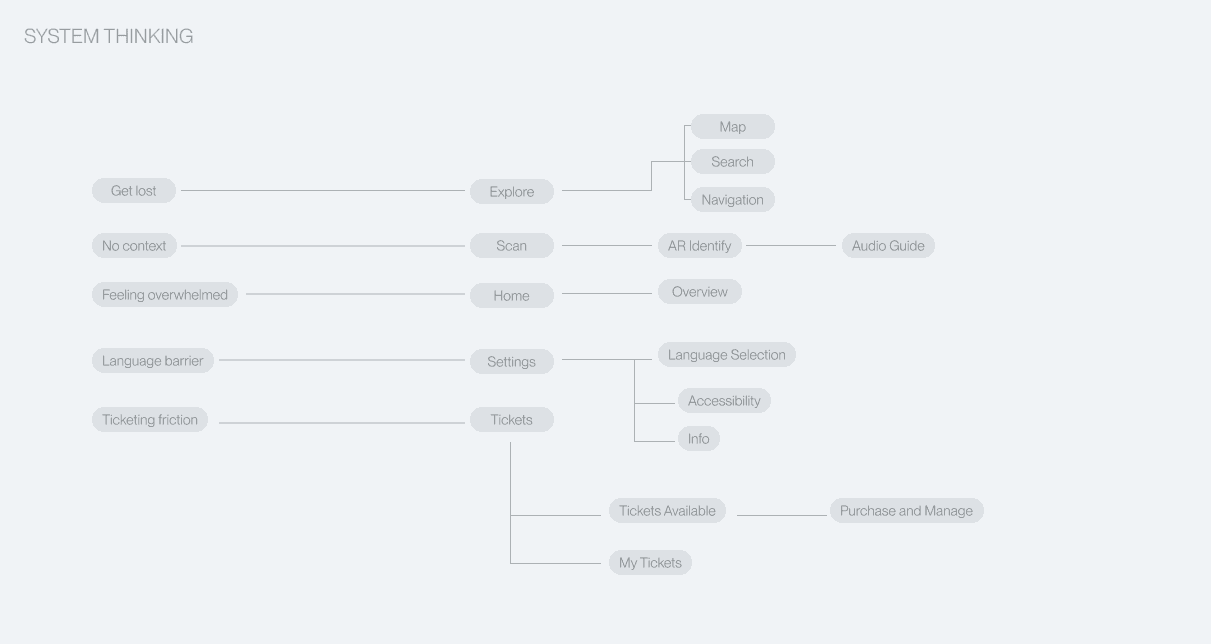
A tourist isn't going to search the App Store, download an app, and create an account mid-visit. So we removed every one of those steps. We also cut aggressively. Shop removed from navigation — not a visitor pain point. Profile renamed to Settings — no account to manage. The final 5-tab architecture maps to the four highest-ranked pain points, not a feature wishlist.
Designing with Constraints
Indoor AR navigation is real, but the technology has limits
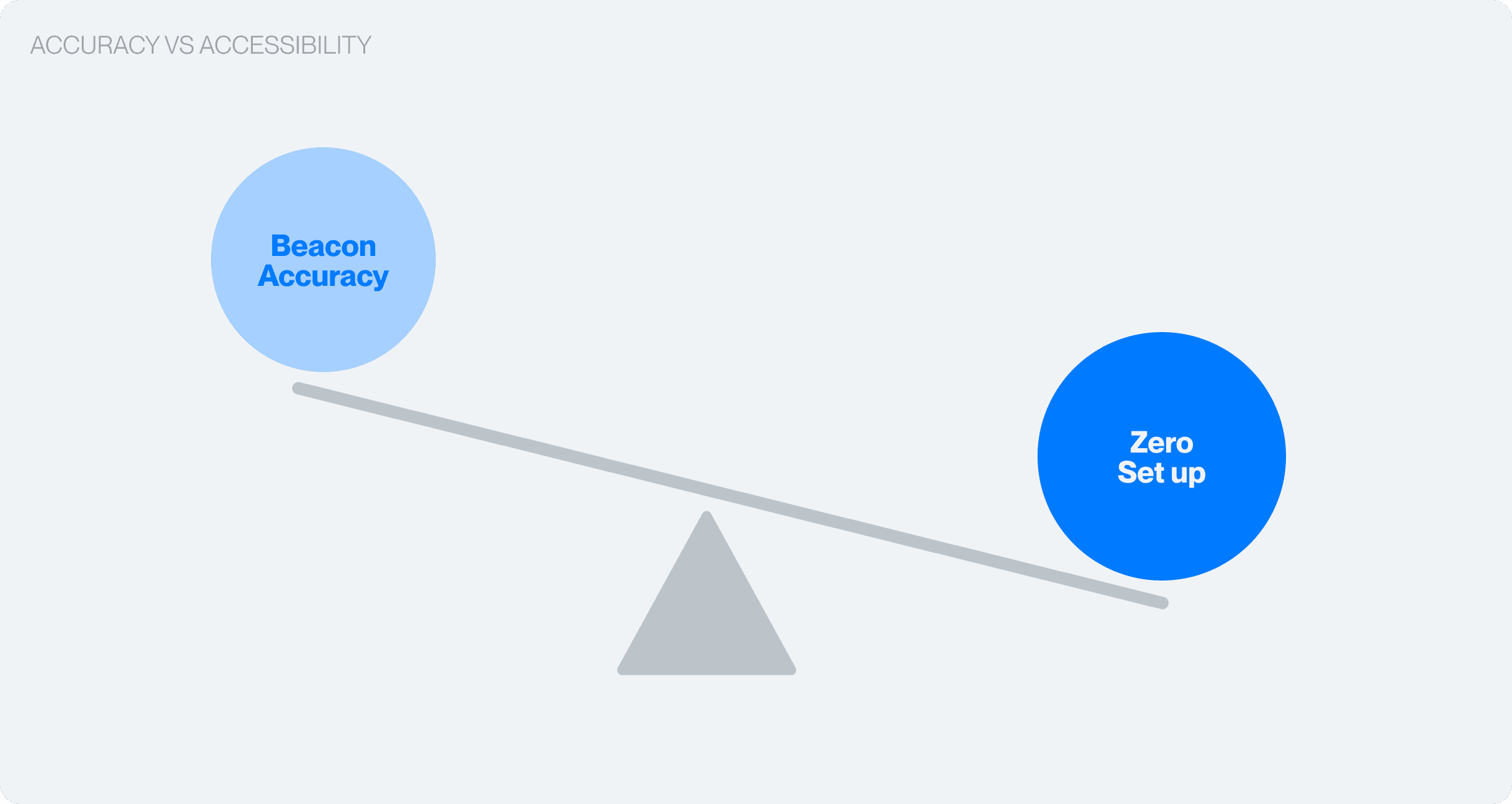
Indoor wayfinding requires one of three things: pre-installed Bluetooth beacons, pre-scanned 3D venue models, or SLAM-based phone scanning. Each comes with trade-offs in cost, accuracy, and setup time.
I designed for SLAM-based navigation because it doesn't require VFA to install any hardware. The app works with what the visitor already has: their phone.
Our Solution
A museum experience built to help visitors explore, learn, and connect
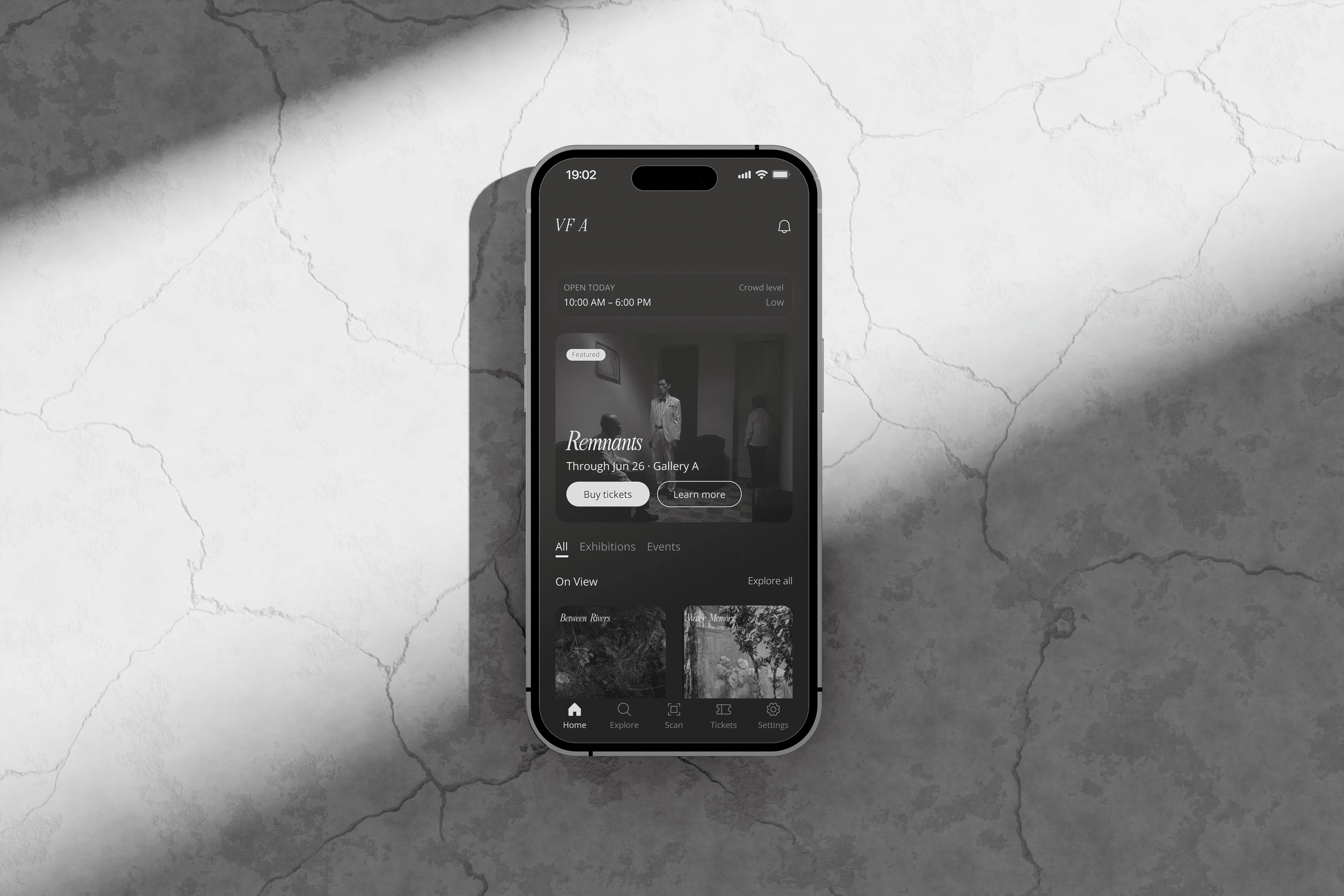
The new VFA app works as a personal guide. Visitors can discover exhibitions, buy tickets, scan artworks with AR, and navigate the building — all without creating an account or sitting through onboarding.
Pre-visit — Home Experience
Visitors can now find what's happening at the museum in under 5 seconds
A curated feed replaces nested menus. Current exhibitions, events, and highlights visible the moment you open the app.
Pre-visit — Ticketing Experience
One continuous path from browsing to ticket in hand
One continuous path from browsing to ticket in hand Pick, date, pay with Apple Pay, save to Wallet. Student, elderly, and group pricing handled through quantity steppers on the same screen — no separate flows.
During-visit — AR Look up
Point your camera. The story appears
The camera recognizes the artwork and surfaces the artist, medium, era, and cultural significance in one of eight languages. Below the confidence threshold, the app prompts manual search instead of guessing wrong.
During-visit — Museum Navigation
A wayfinding system built for people who've never been here before
Built for people who've never been here before Navigation organized by what visitors look for — paintings, sculpture, photography — not internal room codes. Real-time positioning, 2D floor plan, and AR-guided overlay. Medium-based organization cut confusion moments by more than half in testing.
Outcome
We tested the prototype with 50 visitors
94% found their way to a specific artwork without help. From QR scan to first interaction took under 30 seconds. Post-test usability scored 4.7 out of 5 — with AR wayfinding and language-first onboarding cited as the standout moments. The best signal wasn't in the data: it was watching one tester scan a painting, then turn to the person beside them and say "try this."
Learnings
What the project taught me
Familiar patterns beat clever ones
Gesture navigation and audio-triggered overlays tested poorly. Camera viewfinder, map with a blue dot, and search bar won. In an unfamiliar space, familiar interfaces win.
Context changes everything about "good" UX
A museum visitor isn't a daily active user — they're a stranger in a foreign building with two hours. Every decision came from taking that context seriously instead of defaulting to standard app patterns.
MVP
MVP scoped for 2026–2027 with usability testing underway
The first release includes home, ticketing, gallery navigation, and AR lookup, and multilingual support are in the next phase. We're currently testing in the actual museum, watching where visitors hesitate and what surprises them.